
Security

Secure Sessions

Security is built into how a session works. Screen and data travel over encrypted WebRTC, accounts are authenticated, session codes expire, and the host stays in control of who can do what — including keyboard and mouse access.

At a glance

What makes secure sessions different

Encrypted WebRTC transport, authenticated accounts, expiring session codes and host-controlled input keep every session in the right hands.

  • Encrypted WebRTC transport (DTLS-SRTP) for screen and data
  • JWT-authenticated accounts
  • Expiring session codes with an optional password
  • Host-controlled keyboard/mouse gating and viewer disconnect
Try it free
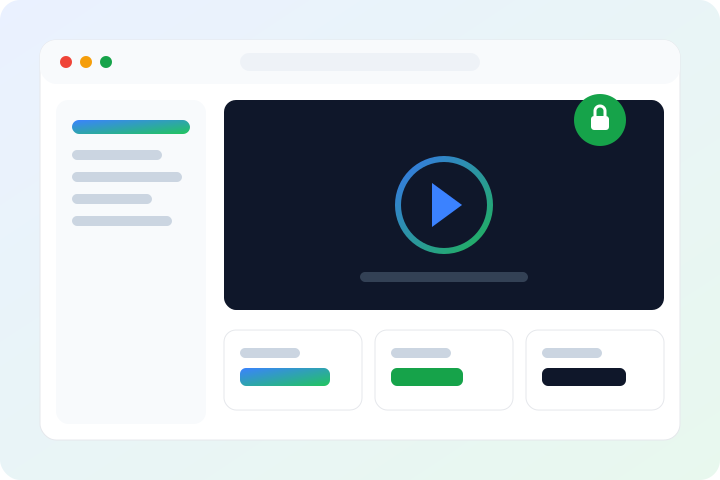
ScreenSharePRO showing an encrypted, authenticated remote session
Encrypted
WebRTC transport
Authenticated
Account access
Expiring
Session codes
Host
Controls input
In depth

How we deliver secure sessions

Encrypted transport

Screen frames and data channels travel over WebRTC, which encrypts media and data in transit with DTLS-SRTP. File transfer and clipboard sync ride the same encrypted channels as the live session.

  • WebRTC media and data encrypted in transit (DTLS-SRTP)
  • File transfer and clipboard use the same encrypted channels
  • Direct peer-to-peer connection between the two machines

Authenticated access and session codes

Accounts are authenticated with JWT. To connect, the host shares a short session code that expires and can be protected with a password, so a code that leaks doesn't stay useful.

  • JWT-authenticated accounts
  • Session codes expire
  • Optional password on a session code

The host stays in control

The host decides what a viewer can do. Keyboard and mouse access is gated by the host — only the host can grant or revoke it, or disconnect a viewer entirely. An optional SYSTEM-level session agent also lets the viewer see and control the host through UAC prompts and the Windows secure desktop.

  • Host grants or revokes keyboard/mouse access
  • Host can disconnect a viewer at any time
  • Optional UAC / secure-desktop control via the session agent
FAQ

Questions about secure sessions

Is my session encrypted?
Yes. Screen frames and data channels travel over WebRTC, which encrypts media and data in transit with DTLS-SRTP. File transfer and clipboard sync use the same encrypted channels.
How do I control who can connect?
The host shares a short session code that expires and can require a password. Accounts are authenticated, so only people you share a code with can join a session.
Can the viewer take over my keyboard and mouse?
Only if you let them. The host controls keyboard and mouse access — you can grant it, revoke it, or disconnect a viewer at any time. Input is off until the host allows it.

Ready to get started?

Download for Windows or try it right in your browser. Free during early access.